How to use ZiggSend
ZiggSend goes on your phone and on your computer. Pick a device: each guide shows the real app screens, one per step.
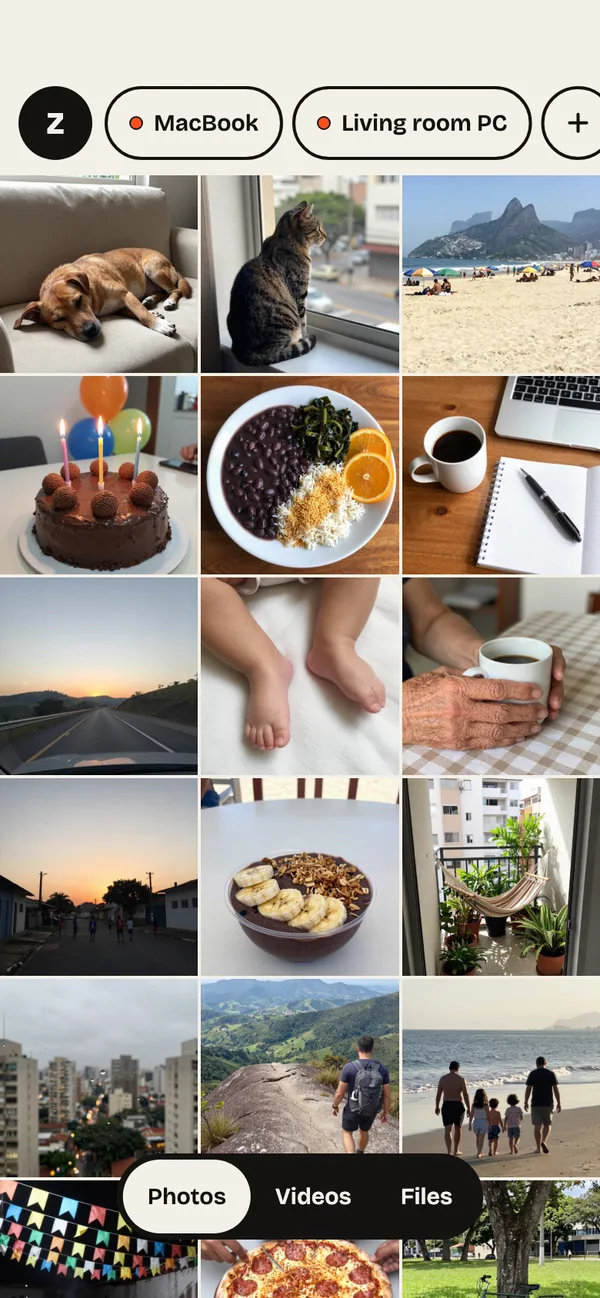 iPhoneStep by step with the real ZiggSend screens on iPhone: connect to a computer, send photos, receive, several computers and alerts. · 18 steps
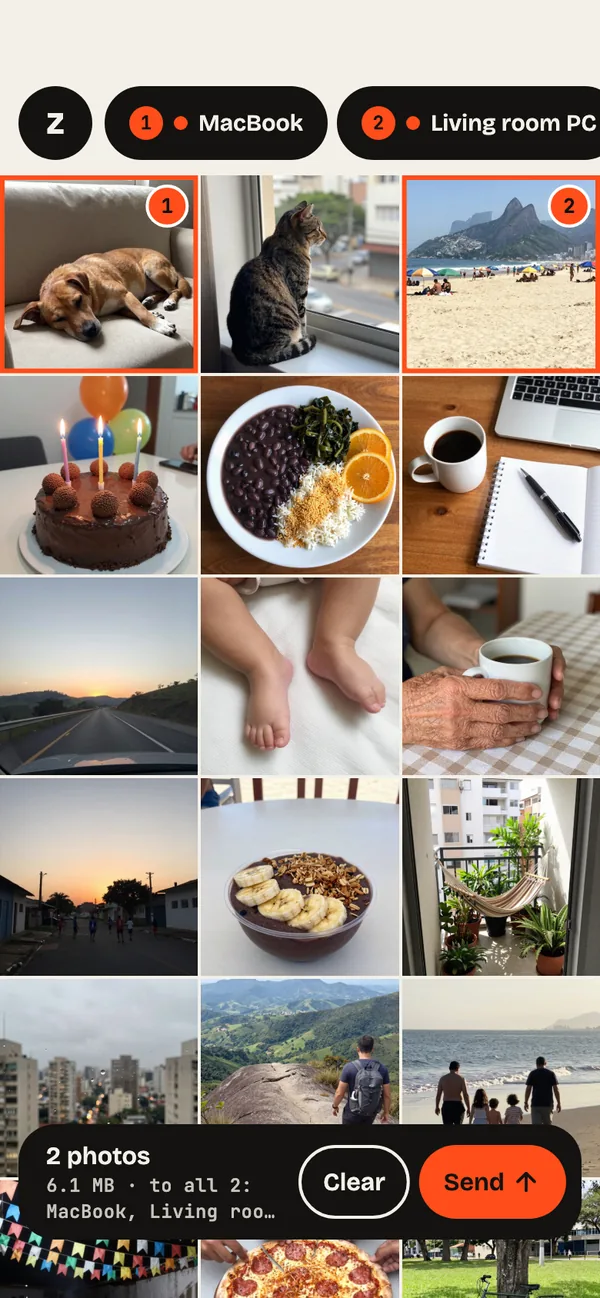 AndroidStep by step with the real ZiggSend screens on Android: connect to a computer, send photos, receive, several computers and alerts. · 18 steps
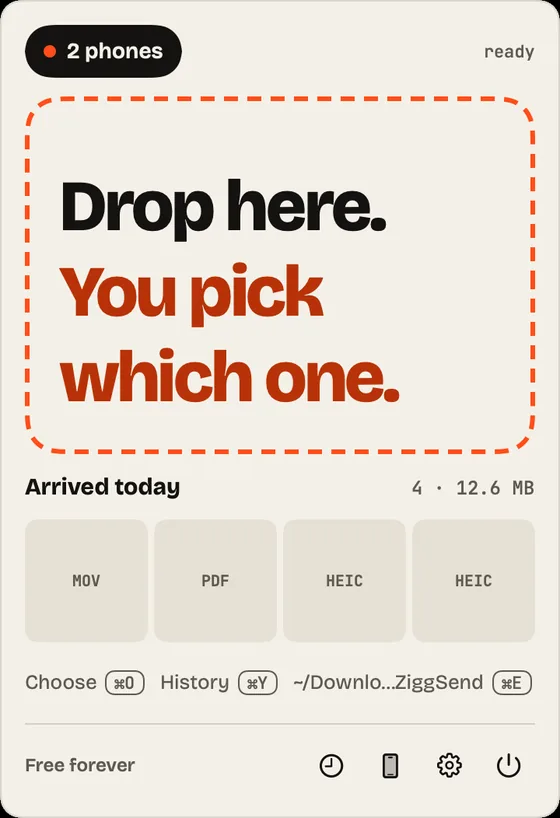 MacStep by step with the real ZiggSend screens on Mac: menu bar, connect your phone, receive, send, USB cable, alerts and settings. · 15 steps
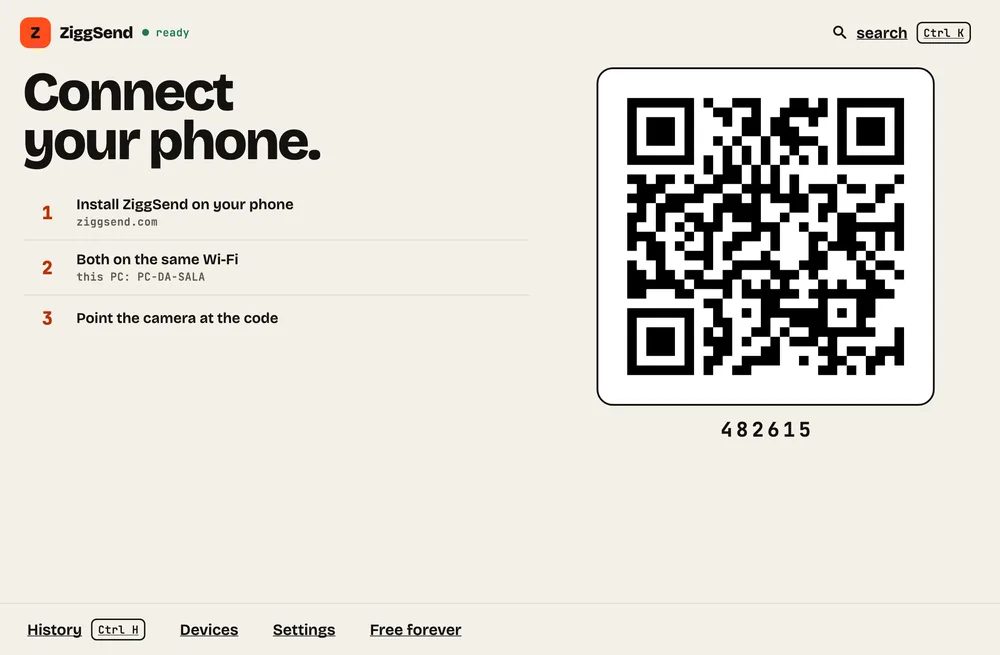 WindowsStep by step with the real ZiggSend screens on Windows: connect your phone, receive, send, history, network alerts and settings. · 11 steps
Want to help the project?
Founder: an optional one-time payment that helps ZiggSend grow and keep improving. $4.99 once. Nothing changes if you don't pay.
See how it works →